today was supposed to be the day we made Mia walk.
she has a 3D model. she has textures. all she needs is a skeleton inside her so she can move like a real character instead of a frozen statue. this process is called rigging, and in traditional animation studios, skilled technical artists spend days getting it right.
we spent all day on it. tried four different approaches. every single one failed in a new and interesting way.
it was kinda fun, actually.
Why Rigging Matters
quick context for anyone who hasn't done 3D animation: a character model is just a hollow shell. a mesh of triangles that looks like a person but can't do anything. to make it move, you need to put a skeleton inside it—bones connected by joints, just like a real body. then you need to tell the mesh which parts should follow which bones. raise the arm bone, the sleeve should follow. bend the knee, the leg should flex.
when it works, it's invisible. the character just moves naturally and you don't think about it. when it doesn't work, you get nightmares. hair stretching into spaghetti. arms phasing through torsos. knees bending backwards. faces collapsing inward.
we saw all of these today.
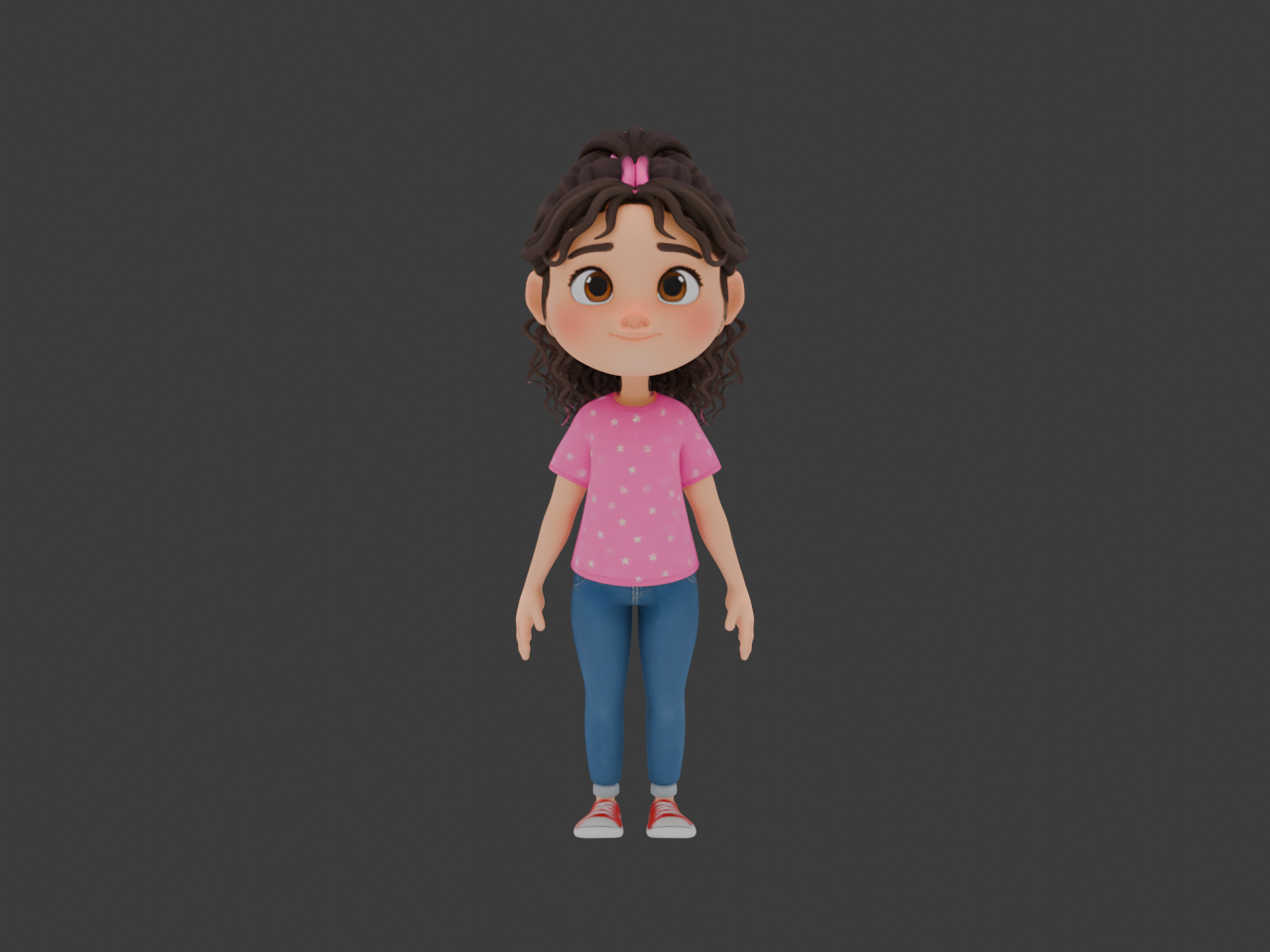
Attempt 1: Fix Meshy's Auto-Rig
Meshy, the tool we used to generate Mia's 3D model, includes an auto-rigging feature. it puts a skeleton inside the mesh and tries to assign vertex weights automatically. the weights are what tell each point on the mesh how much it should follow each bone.
the auto-rig looked okay in the default T-pose. arms out, legs straight, everything symmetrical. cool, we thought. let's try a walking animation.
Mia's hair immediately stretched downward like it was made of taffy. her arms clipped straight through her legs on the forward swing. the walking motion looked less like a child and more like a marionette being operated by someone having a bad day.
we spent hours trying to fix the weight painting—manually adjusting which vertices follow which bones. repainted the hair weights, the arm weights, the hip area. every fix exposed a new problem somewhere else. fix the hair, break the shoulders. fix the shoulders, the skirt clips through the legs.
verdict: catastrophic. moved on.
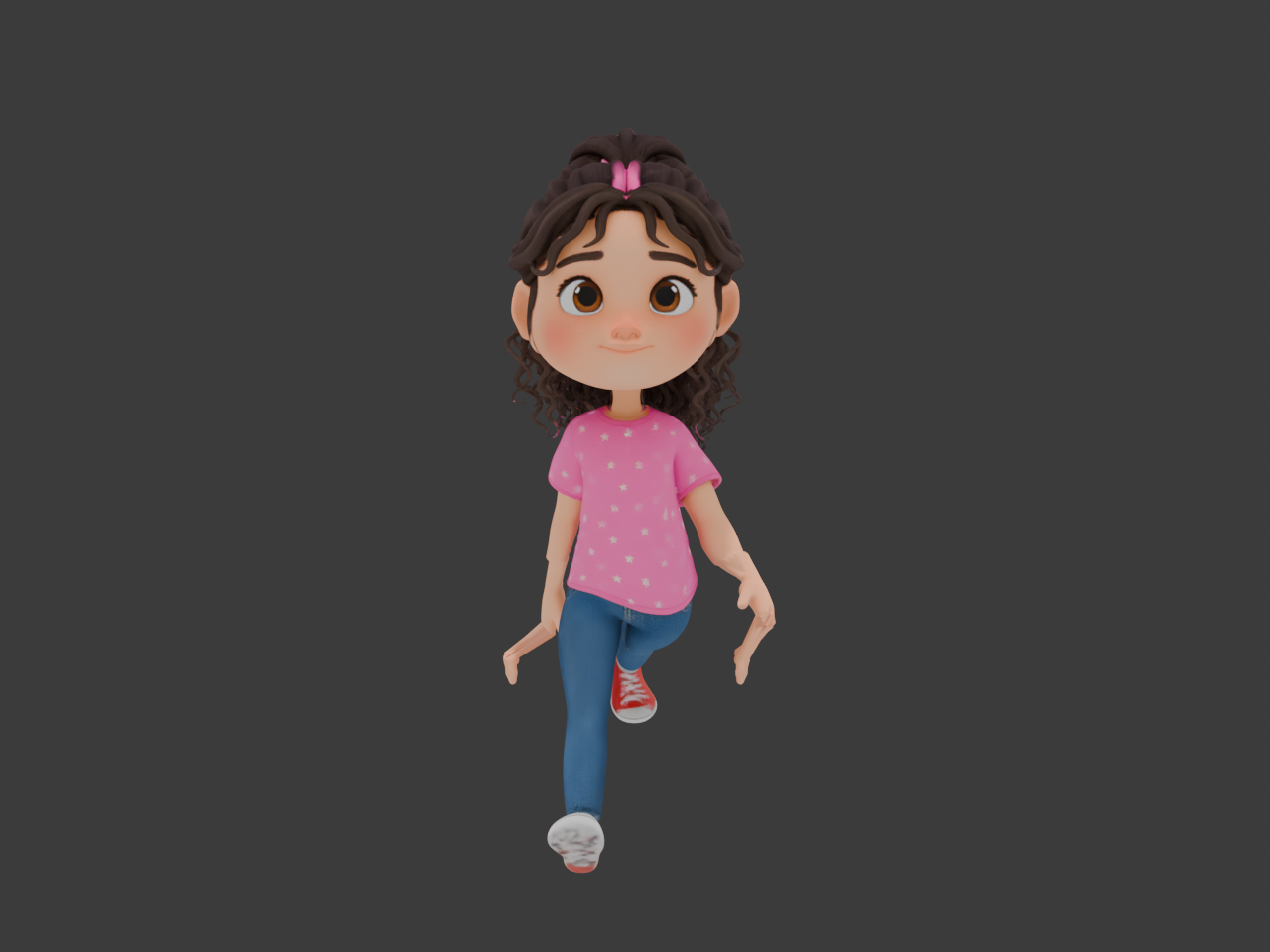
Attempt 2: Rigify (Blender's Built-in System)
Blender comes with a rigging system called Rigify. it's designed by professional animators and used in real productions. how hard could it be?
Rigify generated a rig with 410 bones. four hundred and ten. for context, a production character rig at a major studio might have 200-300. a simple character like Mia should need maybe 60-80. but Rigify went full overkill—individual finger joints, twist bones, rubber hose controls, the works.
the bigger problem: every mesh piece was "rigidly parented" to its nearest bone. this means instead of smooth bending, each triangle on the mesh was locked to one bone and only one bone. bend the elbow, and instead of a nice smooth joint, you get a sharp crease like she's made of cardboard.
Mia looked like a crash test dummy. stiff, blocky movements. the arms rotated like they were on hinges. no smooth deformation anywhere.
410 bones and nothing to show for it. moving on.
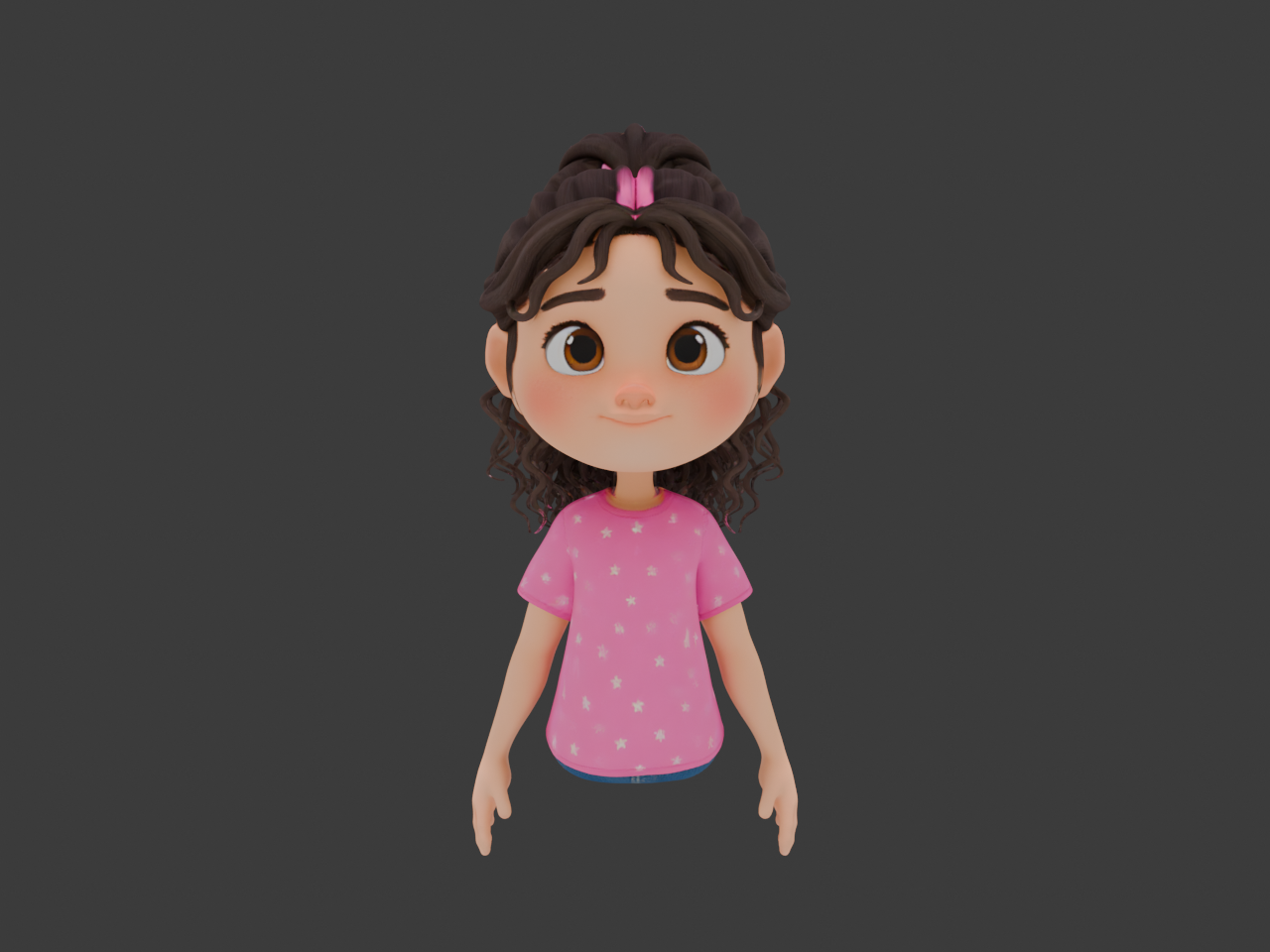
Attempt 3: Improving the Meshy Rig Directly
okay, new strategy. instead of replacing Meshy's rig entirely, what if we just kept it and improved the weight painting? the bone structure was reasonable—the problem was just the mesh deformation.
spent a solid chunk of the afternoon on this. cleaned up the vertex groups. smoothed the weight gradients around joints. tried to get the shoulder area working properly. painted. tested. painted again. tested again.
it got marginally better, but the underlying mesh quality was fighting us. AI-generated meshes have uneven topology—dense triangles in some areas, sparse in others, weird edge flows that don't follow the body's natural contours. weight painting can only do so much when the geometry itself isn't cooperating.
verdict: slightly less catastrophic than attempt 1. still not usable.
Attempt 4: Mixamo (The Industry Standard)
Mixamo is Adobe's auto-rigging service. it's been around for years, used by game developers and indie filmmakers, and it has a library of thousands of pre-made animations. this is the proven solution.
one catch: Mixamo needs the character in a T-pose—arms straight out, legs apart, facing forward. Mia's model wasn't in a clean T-pose, so we had to create one first.
first T-pose attempt: the arms came out distorted and stretched, like she'd been on a medieval rack. the proportions were wrong and the fingers looked like they belonged to a different character entirely.
second attempt: much better base pose, but when we ran it through Mixamo and applied a walking animation, one leg twisted at an unnatural angle. like she'd injured her knee and was trying to walk it off. the upper body was actually pretty good though—natural arm swings, decent shoulder deformation.
of the four attempts, Mixamo was the clear winner. but "best of four failures" is still a failure when your standard is "production-ready animation."
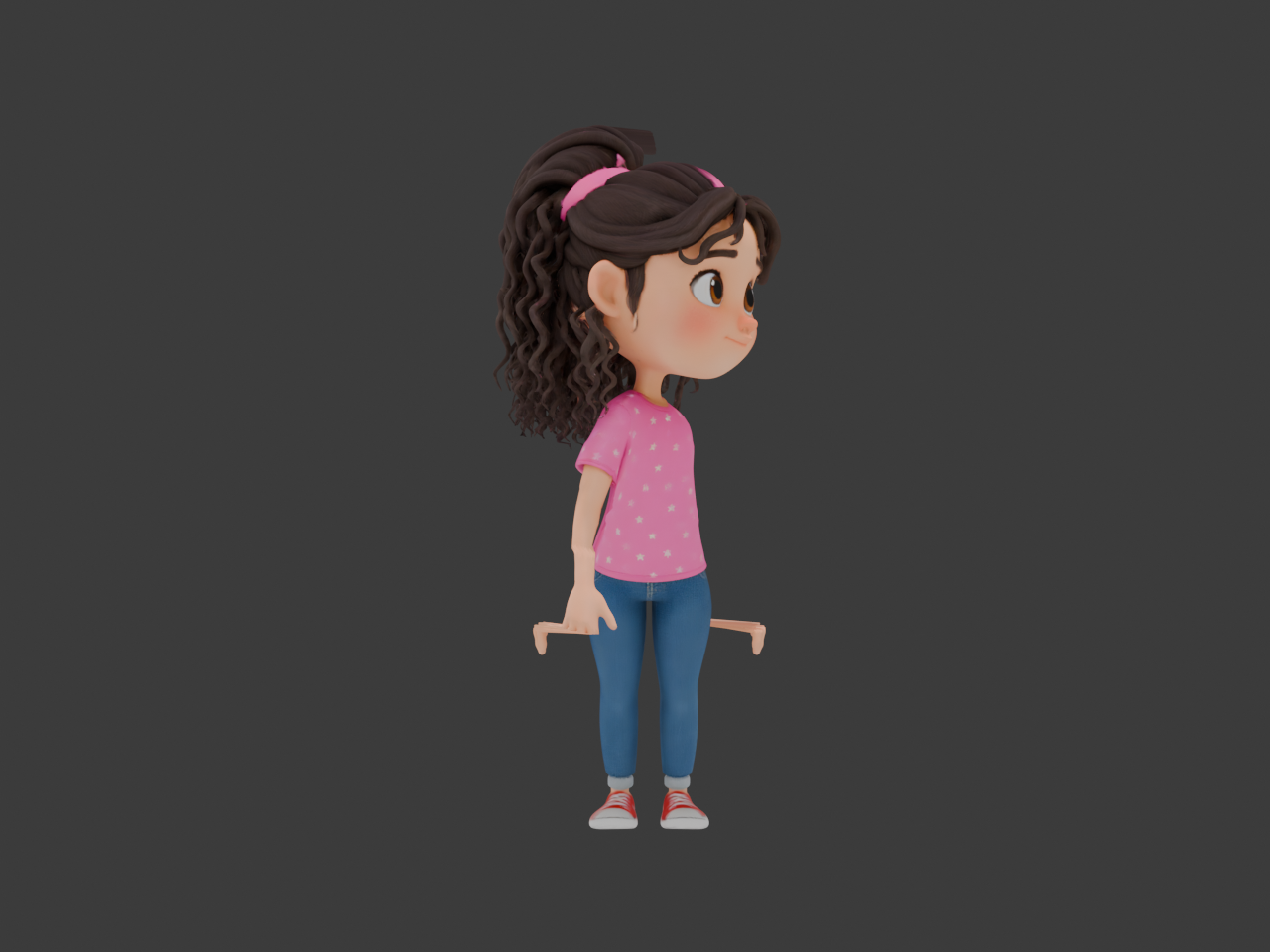
The Robot That Said Everything Was Fine
here's the part that's both funny and a little concerning.
alongside all this rigging work, we built a review system. a web app where you can view stress-test renders of the character in extreme poses—arms up, deep squat, twisting, reaching—designed to expose exactly the kinds of problems we were seeing.
the app also runs automated quality checks. bone count, hierarchy structure, weight coverage, naming conventions. objective, measurable criteria.
the automated checks said Mia's rig was 100% production-ready.
not "pretty good." not "needs some work." one hundred percent. perfect score. ship it.
meanwhile, you could look at the actual render and see her knee bending sideways.
this is the fundamental problem with using AI and automated tools to validate visual quality. the numbers all check out. the bones are named correctly. the weight coverage hits all the vertices. the hierarchy is clean. by every measurable metric, the rig is great. but the thing that matters—does it look right when she moves?—is exactly what the automated system can't see.
LLMs can read numbers and check boxes. they can't tell you that a walking animation looks like a marionette with tangled strings.
What We Actually Learned
a full day of failing at the same thing in four different ways sounds unproductive. it wasn't.
- AI-generated meshes have rigging-hostile topology. the triangle density, edge flow, and UV layout from tools like Meshy aren't optimized for deformation. this is a known issue in the industry with no fully automated fix yet.
- automated quality metrics are necessary but not sufficient. bone counts and weight coverage tell you if the rig is structurally sound. they tell you nothing about whether it'll look good in motion. you need human eyes for that.
- the review app we built is actually valuable. even though the automated scoring was hilariously wrong, having a central place to upload stress-test renders and track iterations across rigging attempts was genuinely useful. the infrastructure outlasts any single failed rig.
- rigging is where "good enough" AI hits a wall. we've been riding a wave of AI tools that get us 80% of the way. concept art, 3D models, textures—the AI output needs polish but it's a real starting point. rigging seems to be where that 80% isn't enough. the last 20% matters too much.
The Pragmatic Path Forward
so where do we go from here?
we've got two options we're considering. the first is Auto-Rig Pro, a $40 Blender addon that's specifically designed for game and animation rigging with much better weight painting than the built-in tools. it's a last shot at an automated approach before we accept that this particular problem might need a human.
the second option: hire a professional rigger. we got quotes in the $50-100 range to rig all six main characters. for context, we've now spent an entire day failing to rig one character, and a professional could do all six for the cost of a nice dinner.
sometimes the most AI-forward decision is knowing when to stop using AI.
this is the messy reality of making an AI-generated movie. the tools are incredible for some things and completely useless for others, and you don't always know which category you're in until you've spent a day finding out. we're thirteen days into production and we're still learning where the boundaries are.
Mia will walk eventually. today just wasn't her day.